HomeBox: Lightweight Self-Hosted Asset & Hardware Inventory System
Physical Asset Sovereignty: Organizing Homelab Hardware with Pure Go
As homelabs and home workshops grow, keeping track of server hardware, spare PCIe cards, drives, cables, and tools quickly devolves into chaos. Homelabbers frequently resort to unmaintained spreadsheets or attempt to deploy enterprise IT asset management systems like Snipe-IT, which bring heavy multi-container PHP and database dependencies. HomeBox hits the perfect sweet spot with a high-performance inventory manager written in Go.
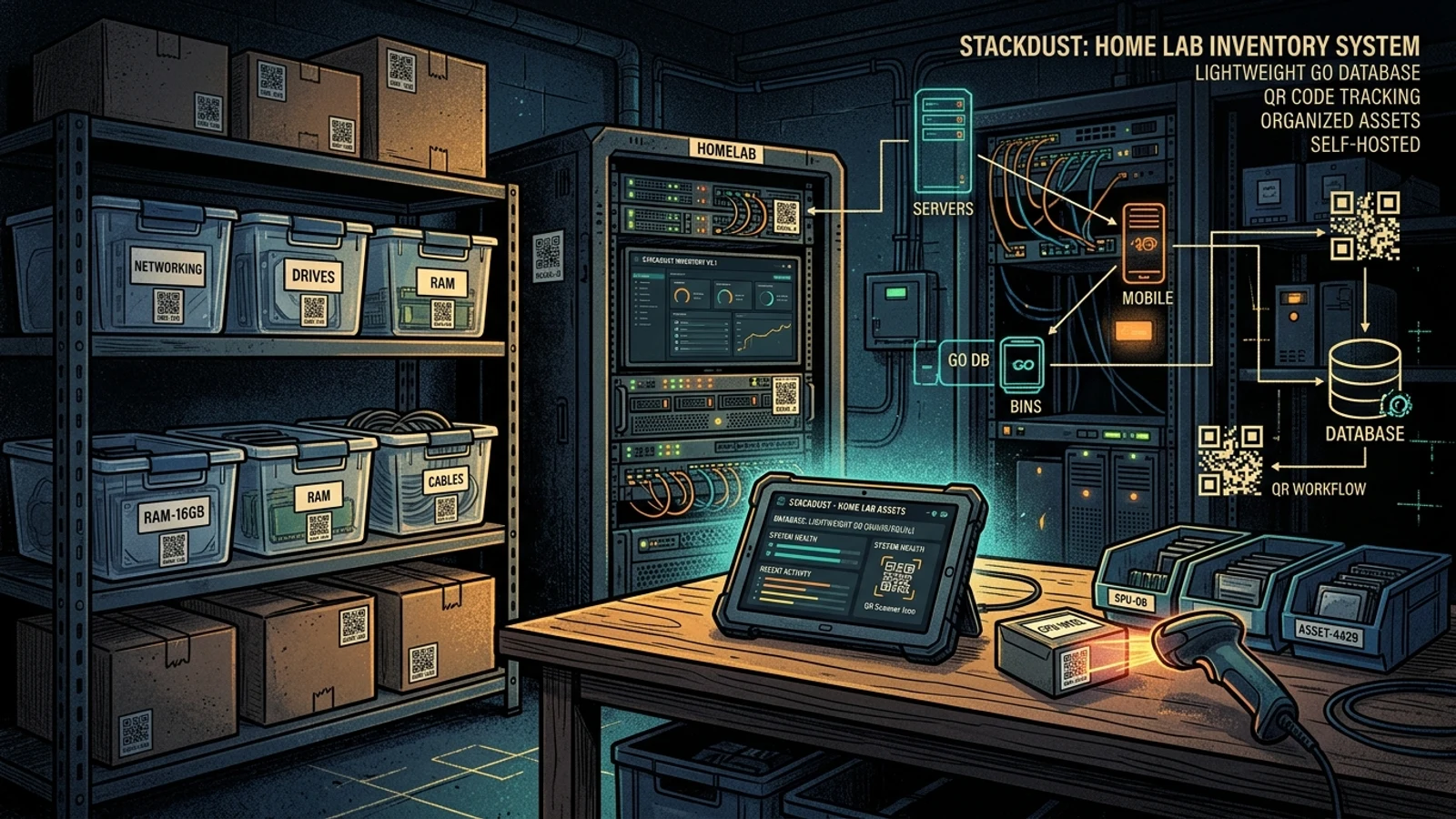
With a container image under 20 MB and negligible memory consumption, HomeBox operates on a single embedded SQLite file, enabling intuitive location hierarchies, QR/barcode label printing, attachment storage, and warranty expiration tracking.
What It Is
HomeBox is an open-source (AGPL-3.0) inventory and organization system built specifically for home users, hobbyists, and homelab sysadmins. It models physical spaces into intuitive tree structures (Building → Room → Cabinet → Bin → Item).
Features include automated serial number tracking, warranty countdowns, purchase value logging, and mobile-friendly QR code scanning to view or edit item details instantly without unboxing storage crates.
Why You Have Not Heard Of It
Born out of the r/selfhosted community to eliminate the overhead of enterprise asset platforms, HomeBox was revitalized when the SysadminsMedia team stepped in to maintain and modernize the codebase. Its relentless focus on single-binary simplicity and zero-configuration SQLite storage has made it a quiet favorite among homelab purists.
How It Works
HomeBox is architected for long-term data durability and minimal operational overhead:
- Self-Contained Go Binary: Serves both the modern web front-end and the JSON backend from a single statically linked binary consuming less than 15 MB of RAM.
- Robust SQLite Persistence with WAL Mode: Writes to an embedded SQLite database configured with Write-Ahead Logging (WAL) for concurrency, with optional PostgreSQL support for multi-user facilities.
- Built-in QR Engine: Formats and exports printable QR code sheets designed for standard thermal label printers (Brother P-Touch, Dymo, Zebra) and standard sticker paper.
Running It
Deploying HomeBox takes less than a minute with Docker Compose:
services:
  homebox:
    image: ghcr.io/sysadminsmedia/homebox:latest
    container_name: homebox
    restart: unless-stopped
    ports:
      - "7745:7745"
    volumes:
      - ./data:/data
    environment:
      - HBOX_MODE=production
      - HBOX_STORAGE_SQLITE_URL=/data/homebox.db?_pragma=busy_timeout(5000)&_pragma=journal_mode(WAL)
      - HBOX_OPTIONS_ALLOW_REGISTRATION=false
Start the container:
docker compose up -dOpen http://localhost:7745 to create your primary admin account and start cataloging your inventory.
What It Replaces
- Over-Engineered IT Asset SaaS (Snipe-IT): Eliminates multi-gigabyte PHP/MySQL stacks in favor of a lean, zero-maintenance single container.
- Unwieldy Spreadsheets: Provides structured search, photo attachments, and mobile barcode scanning that static Excel files cannot match.
- Lost Paper Receipts & Manuals: Stores digital PDF invoices and spec sheets directly attached to each hardware entry.
Limitations
HomeBox is intentionally scoped for home and workshop inventory. It deliberately omits corporate accounting features such as multi-tiered tax depreciation schedules, purchase order workflows, and employee checkout agreements.
Who It Is For
- Homelab administrators tracking spare RAM modules, network transceivers, cables, and server components.
- Makers and 3D printing enthusiasts organizing filament spools, electronic sensors, and fasteners.
- Homeowners creating a verifiable digital inventory of valuable assets for insurance documentation.
Conclusion
HomeBox demonstrates the elegance of focused, single-purpose open-source software. If you want to bring order to your hardware and tools without managing a complex database stack, HomeBox is the definitive tool for the job.