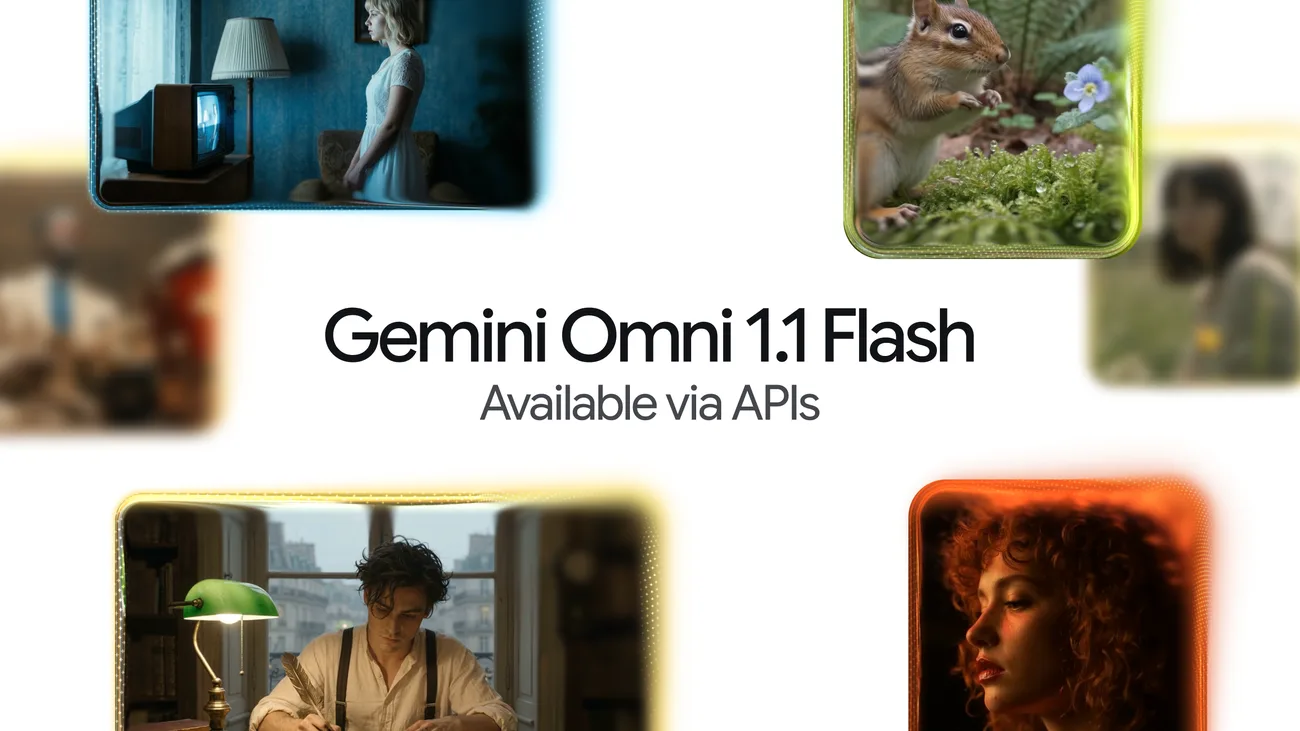
Gemini Omni 1.1 Flash Is GA: Video Extension, Frame Interpolation, and 4K Output Come to the Gemini API
Two months after it surfaced as a preview, Google’s conversational video model has a production contract. On August 27, the Gemini API changelog announced that gemini-omni-1.1-flash is now generally available — and with the GA label came a package of controls that the June preview lacked, plus a deprecation date for anyone still pinned to the old endpoint.
What Happened
Per the official changelog, gemini-omni-1.1-flash is the GA version of Google’s “fast, conversational video generation and editing model.” The model lives on the Interactions API, takes combinations of text, image, video, and audio as references, and generates or edits video through multi-turn, natural-language refinement.
Google’s developer blog frames the release as making Omni 1.1 “production-ready for professional use,” with the emphasis on control: extending scenes, interpolating between frames, and upscaling output — rather than new generation quality claims.
Three capabilities shipped with GA:
| Capability | How it works |
|---|---|
| Video extension | Generate a continuation at the end of an existing clip using the extend task, or do it conversationally with a prompt |
| Interpolation | Transition between two images using the image_to_video task with up to 2 images as first and last frame |
| Resolution control | New resolution parameter in video_config: 360p, 720p (default), 1080p, and 4k |
The Catch in That Resolution List
One detail deserves more attention than the blog copy gives it: 1080p and 4K outputs are generated using upscaling, not native rendering. The model’s native output tier tops out at 720p; everything above that is post-processed. That matters for pipeline planning — a “4K” result from Omni 1.1 Flash will not carry the detail of a native 4K render, and teams comparing it against competing video models should compare native tiers against native tiers.
Setting resolution explicitly also matters because the default is 720p. Integrations that silently assumed preview-era output should make the parameter explicit rather than inherit defaults they didn’t choose.
Migration: The Preview Endpoint Dies September 30
The existing gemini-omni-flash-preview endpoint will be deprecated on September 30, 2026. That is roughly a month of runway — tight by deprecation standards, and consistent with how Google has been pruning the Gemini API this summer (the robotics ER 1.6 preview shuts down August 31; older Imagen and Veo models were shut down earlier this month).
For teams on the preview, the migration is a model-ID swap plus a review of two behavioral surfaces:
- Resolution defaults. Verify what resolution your preview pipeline effectively produced, and set
resolutionexplicitly on GA. - Task coverage. If you hacked around the missing
extendor interpolation support in preview (frame-splicing post-processing is the common workaround), GA’s native tasks can replace that glue code.
What Else Landed in the Same Changelog
The August 27 entry wasn’t Google’s only GA of the week. On August 26, two dedicated speech-to-text models reached general availability:
- Gemini 3.5 Transcribe (
gemini-3.5-transcribe) — non-streaming transcription with utterance-based language detection across 85+ languages, speaker diarization, word-level timestamps, and custom vocabulary biasing for up to 1,000 terms. - Gemini 3.5 Transcribe Live (
gemini-3.5-transcribe-live) — low-latency bidirectional streaming over WebSockets via the Live API, with interim and finalized transcription events and multiple voice-activity-detection strategies.
Read together, the pattern is Google hardening its media-generation and media-understanding surfaces from preview into GA contracts — the same maturation arc the Gemini 3.x text models went through earlier this summer.
Why It Matters
Video generation has been stuck in demo territory for two years: impressive samples, no stable API surface to build a product on. A GA label with named parameters (extend, image_to_video, video_config.resolution), a documented default, and a deprecation timeline is what changes that — it’s the difference between a research preview and something you can put in a service-level pipeline.
The capability set also signals where Google thinks the value is. Extension and interpolation are editing primitives, not generation party tricks. They’re aimed at people who already have footage and assets — marketing teams extending a product clip, studios filling gaps between keyframes, app developers building conversational editing on top of user uploads. That’s a products-and-pipelines market, not a prompt-lottery market.
What Developers Can Do Now
- Preview users: schedule the model-ID swap this week; the September 30 deadline leaves little slack for QA cycles.
- New integrations: start from the Omni guide, set
resolutionexplicitly, and treat 1080p/4K as an upscale tier in your quality expectations. - Editing pipelines: evaluate whether native
extendand two-frame interpolation can replace custom frame-interpolation or splicing stages — the native tasks run inside the model’s temporal consistency rather than fighting it in post.
Limitations
- 1080p and 4K are upscaled, not native — plan quality bars accordingly.
- Audio input currently supports voice references only, with broader audio input types promised later, per Google’s launch materials.
- The changelog documents the parameters; per-second pricing for GA output should be confirmed on Google’s current pricing documentation before you model costs — launch-era preview pricing figures circulating in secondary coverage may not reflect GA terms.