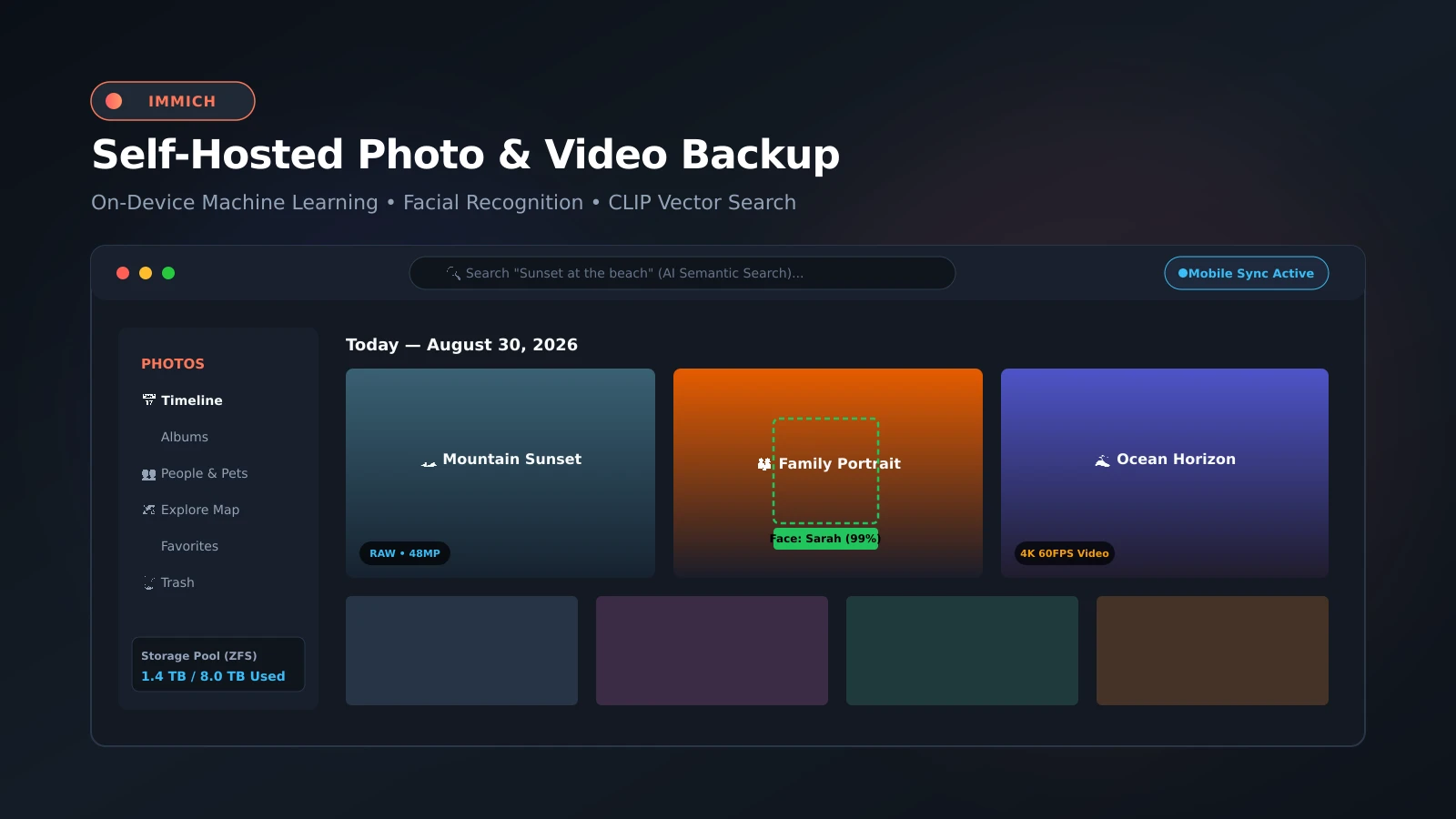
Immich: The Definitive Self-Hosted Google Photos Alternative with Local AI
Reclaiming Digital Memories: Sovereign Photo Backup with Local Machine Learning
Proprietary cloud photo services like Google Photos and Apple iCloud Photos provide polished convenience at a steep price: recurring monthly storage fees, opaque algorithmic scanning, and total platform lock-in. Immich has emerged as the definitive open-source answer, delivering a private, self-hosted platform that matches the polish and fluid UX of Big Tech services.
Featuring native mobile applications for iOS and Android with automatic background synchronization, Immich runs an on-premise machine learning pipeline that handles facial recognition, object classification, and natural language semantic search (CLIP) entirely within your local infrastructure.
What It Is
Immich is a production-grade, open-source (AGPL-3.0) media management suite. It consists of a high-throughput backend server, an isolated machine learning microservice, a PostgreSQL database augmented with vector extensions (pgvector), and an asynchronous Redis job queue.
The system delivers instantaneous timeline scrolling across hundreds of thousands of high-resolution images by pre-rendering responsive WebP thumbnails and dynamically transcoding videos for buffer-free playback across all clients.
Why You Have Not Heard Of It
What began as a personal project by creator Alex Tran to back up family photos has rapidly evolved into one of the most celebrated open-source projects in the self-hosted ecosystem. Backed by FUTO to ensure long-term open-source sustainability without venture capital compromise, Immich has redefined self-hosted media storage.
How It Works
Immich coordinates multiple specialized microservices:
- Immich Core API Server: Handles user authentication, partner sharing, metadata extraction, and multi-threaded mobile upload streams.
- Immich Machine Learning Engine: Executes optimized ONNX neural networks to extract face embeddings and semantic vector representations for fast vector clustering.
- PostgreSQL with pgvector: Stores relational asset metadata alongside high-dimensional vector embeddings for sub-millisecond semantic search queries.
- Redis Queue Worker: Orchestrates non-blocking background jobs for video transcoding, EXIF extraction, and reverse geocoding.
Step-by-Step Deployment Guide
Deploying Immich via Docker Compose is straightforward. Create a dedicated directory and add two configuration files: .env and docker-compose.yml.
First, the environment file (.env):
# Host directory where raw photos, videos, and encoded thumbnails will live
UPLOAD_LOCATION=/path/to/your/storage/immich-data
# Secure random database password
DB_PASSWORD=your_secure_postgres_password_here
# Track release channel
IMMICH_VERSION=release
Next, the docker-compose.yml:
services:
  immich-server:
    container_name: immich_server
    image: ghcr.io/immich-app/immich-server:${IMMICH_VERSION:-release}
    volumes:
      - ${UPLOAD_LOCATION}:/usr/src/app/upload
      - /etc/localtime:/etc/localtime:ro
    env_file:
      - .env
    ports:
      - "2283:2283"
    depends_on:
      - redis
      - database
    restart: unless-stopped

  immich-machine-learning:
    container_name: immich_machine_learning
    image: ghcr.io/immich-app/immich-machine-learning:${IMMICH_VERSION:-release}
    volumes:
      - model-cache:/cache
    env_file:
      - .env
    restart: unless-stopped

  redis:
    container_name: immich_redis
    image: docker.io/redis:6.2-alpine@sha256:e3b17ba9479f0b7973771500ae18dbb8e1169b0087d260d5333a5bc038b481bc
    healthcheck:
      test: [ "CMD", "redis-cli", "ping" ]
      interval: 10s
      timeout: 5s
      retries: 3
    restart: unless-stopped

  database:
    container_name: immich_postgres
    image: docker.io/tensorchord/pgvecto-rs:pg14-v0.2.0@sha256:90724186f0a3517cf6914295b5ab03d73727f675dc69d015c605b70f2008f862
    environment:
      POSTGRES_PASSWORD: ${DB_PASSWORD}
      POSTGRES_USER: postgres
      POSTGRES_DB: immich
      POSTGRES_INITDB_ARGS: '--data-checksums'
    volumes:
      - ./postgres_data:/var/lib/postgresql/data
    restart: unless-stopped

volumes:
  model-cache:
Start the stack:
docker compose up -dNavigate to http://<SERVER_IP>:2283 to initialize your primary admin account, then download the Immich mobile application to start backing up your media immediately.
What It Replaces
- Google Photos & iCloud: Eliminates subscription limits while allowing multi-terabyte libraries bound only by your storage pool.
- Clunky Legacy Photo Vaults: Offers instantaneous mobile viewing and timeline scrubbing that older web galleries cannot provide.
- Manual Media Archiving: Automatically backs up camera rolls silently in the background over local Wi-Fi or WireGuard VPN.
Limitations
Initial batch indexing of tens of thousands of legacy photos requires moderate CPU/GPU compute for vector generation and thumbnail extraction (recommended: 4–8 GB RAM minimum).
Who It Is For
- Families demanding absolute privacy for their personal memories and children’s photos.
- Homelab operators seeking an indispensable, high-utility service used daily by household members.
- Photographers archiving high-resolution RAW files without cloud compression artifacts.
Conclusion
Immich is a crowning achievement in modern open-source software, proving that self-hosted alternatives can outshine Big Tech platforms in performance, elegance, and user freedom.